01
Staff interface
An in-game staff control panel with player browsing, profiles, and moderation-history navigation. Open it with /steward or /staff.
Steward is a GUI-first staff and moderation suite for Minecraft Fabric servers, bringing player management, moderation records, and investigation tools into one in-game interface.
A focused toolkit for the moments that keep a server community healthy — from the first investigation to a complete moderation record.
SCROLL TO EXPLORECaptures from the development build. These screens are part of the staff tools still awaiting in-game acceptance.
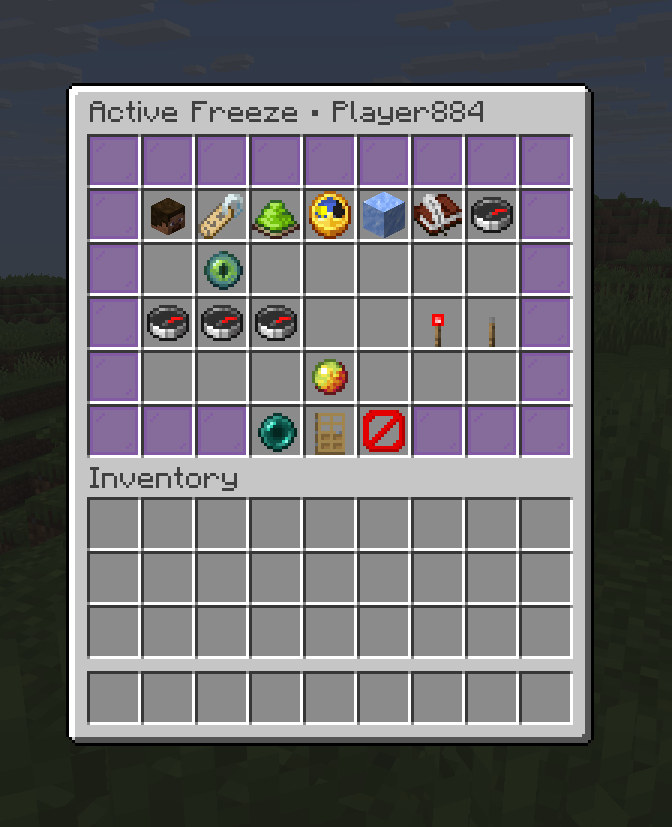
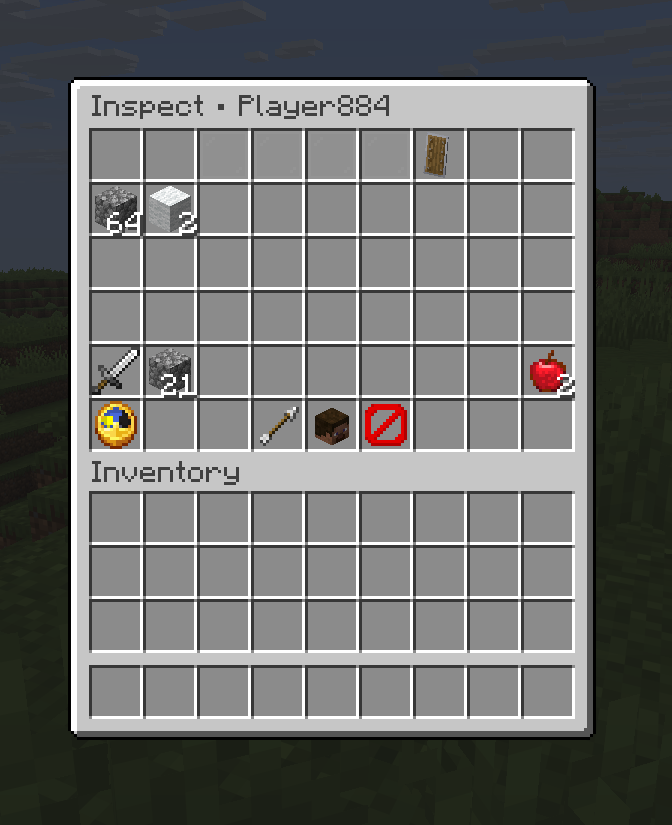
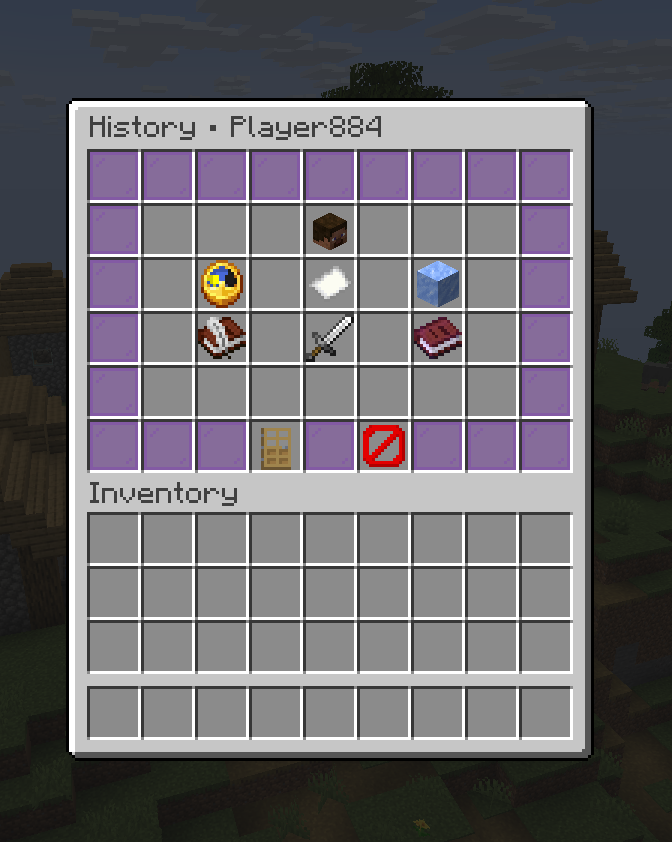
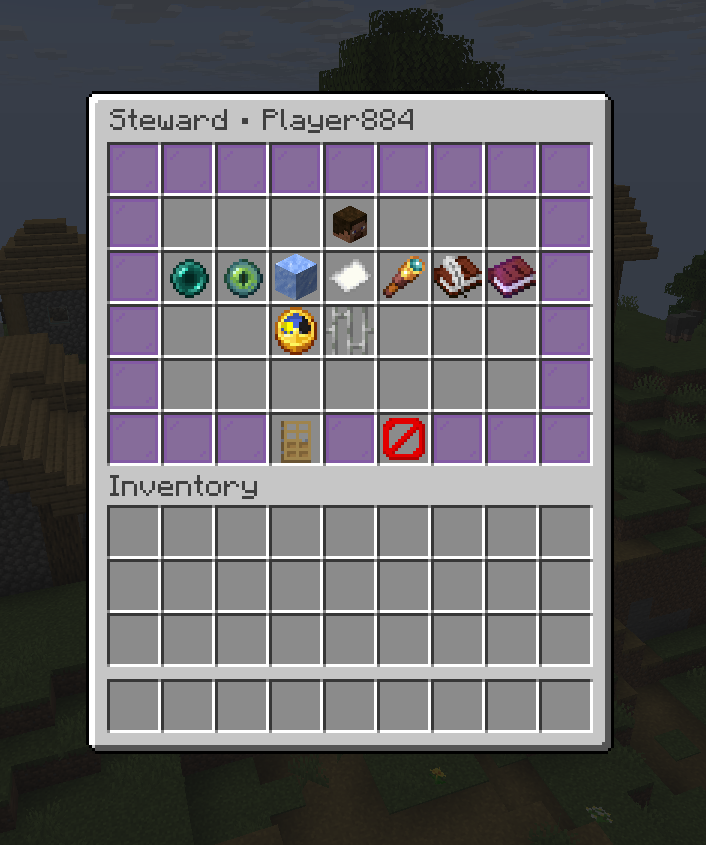
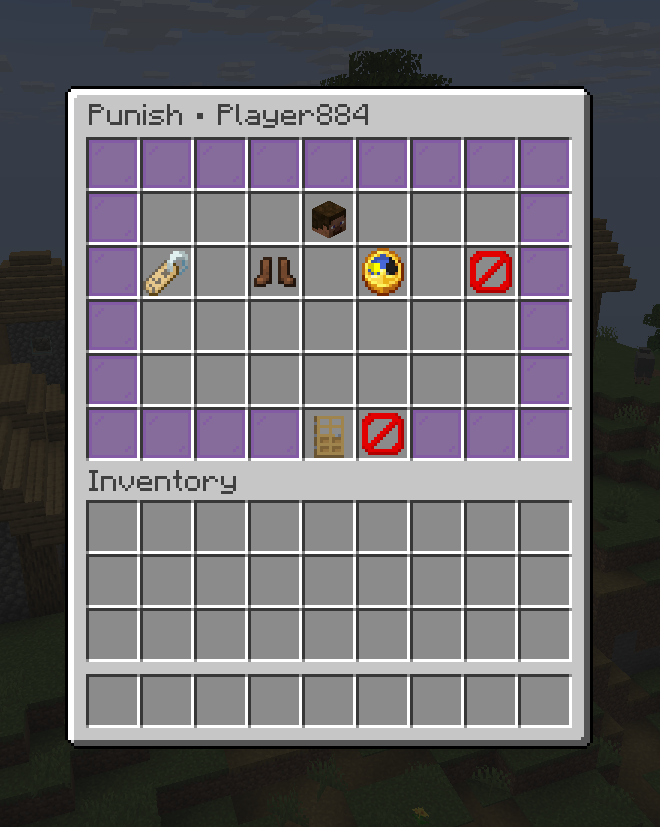
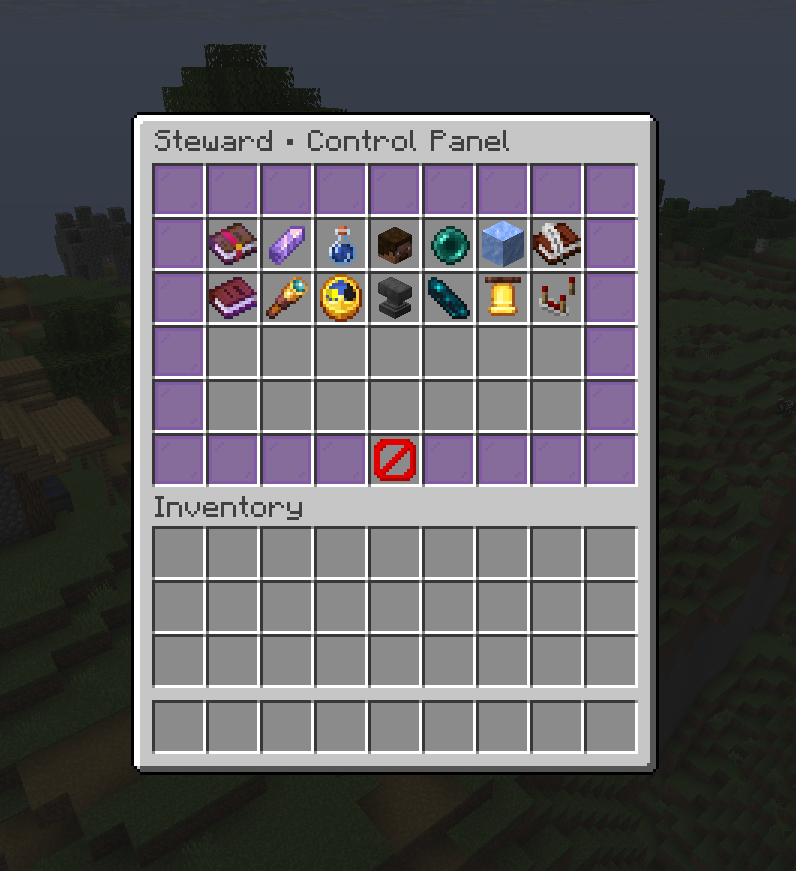
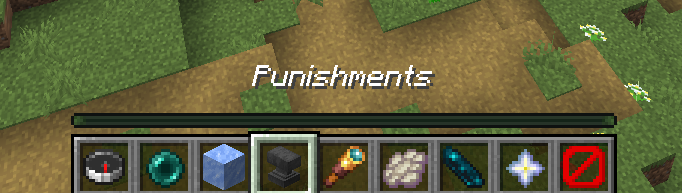
Implemented in the development codebase. The latest build passed; in-game acceptance testing remains pending before release.
An in-game staff control panel with player browsing, profiles, and moderation-history navigation. Open it with /steward or /staff.
Temporarily restrict players during investigations, maintain persistent freeze cases, and track relocations and moderation history.
Issue structured warnings with severity, category, reason, expiration, optional staff notes, and evidence references. Includes acknowledgment, revocation, and staff-confirmed escalation.
GUI workflows for mutes, kicks, temporary bans, and permanent bans, with persistent records and history.
Dedicated moderation tools with player-state snapshot and restoration workflows.
Teleport to a player or bring a player to staff. Includes cross-dimension movement and integration with frozen-player relocation.
Read-only snapshots of online players’ inventory, hotbar, armor, and offhand. Staff can manually refresh the snapshot.
LuckPerms-based permissions and primary-group weight checks for applicable actions, with separate action-specific bypass permissions. Permission nodes are registered at startup for LuckPerms editor and command suggestions without granting access.
Persistent invisibility with permission-aware tab lists and player browsing. Reapplies after reconnect and respawn, reconciles effects each tick, and refreshes viewer permissions about once per second.
Send privately to permitted staff and the console with /sc or /staffchat, or toggle normal chat into staff chat from commands and staff tools. Includes persistent mode and /schistory [page].
Use /report <player> <reason> to file a report. Staff receive clickable alerts and can claim, release, resolve, or dismiss reports with staff-only closure notes. Reporters receive closure notices, including on their next join.
Record staff-only observations independently of warnings and punishments. Open notes from profiles, the staff panel, or reports, with permission-filtered moderation history and counts.
Implemented means the code and documentation are present and build validation has passed. Accepted requires the remaining in-game checks; the roadmap has not recorded acceptance yet.
Open development roadmapExisting moderation foundation; regression checks are part of the remaining runtime validation.
Action-specific bypasses, final-confirmation checks, cross-dimension teleport, and frozen-player relocation. Runtime gate A pending.
Warning notes, evidence, acknowledgment, revocation, and escalation; read-only inventory snapshots with refresh. Runtime gate A pending.
Build verification passed, including the 26.2 fixes and visibility reconciliation. Runtime gate A and concealment checks remain pending.
Commands, persistent toggle mode, private routing, console logging, and saved chat history. Runtime gate B pending.
Report lifecycle, known-player index, closure notices, note archiving, and permission-filtered history. Runtime gate B pending.
Verify permissions, hierarchy, navigation, persistence across restarts, visibility, and report/chat workflows in Minecraft 26.2. No accepted runtime result is recorded yet.
No automated test suite yet. Add service and permission tests, finish module guides, replace the template README and metadata, and remove remaining placeholders.
A reviewed snapshot of the target environment. Compatibility is still being validated.
No GitHub release has been published at the reviewed baseline. Follow development through the repository for deliberate updates.
Follow the source